
How to Design a Font From Scratch (Step-by-Step Guide)
Learn how to design a font from scratch using a simple step-by-step process, from sketching letterforms to building a finished, production-ready font file.
Designing a custom font can be one of the most rewarding projects you take on as a designer. It opens up a new creative outlet and gives you the ability to create type that can be used across real branding and apparel projects, not just personal experiments. In this guide, I walk through the exact workflow I use when designing fonts from scratch, using the same process I rely on for client work and professional design projects.
Take a look at how I designed my Ridgeline Font
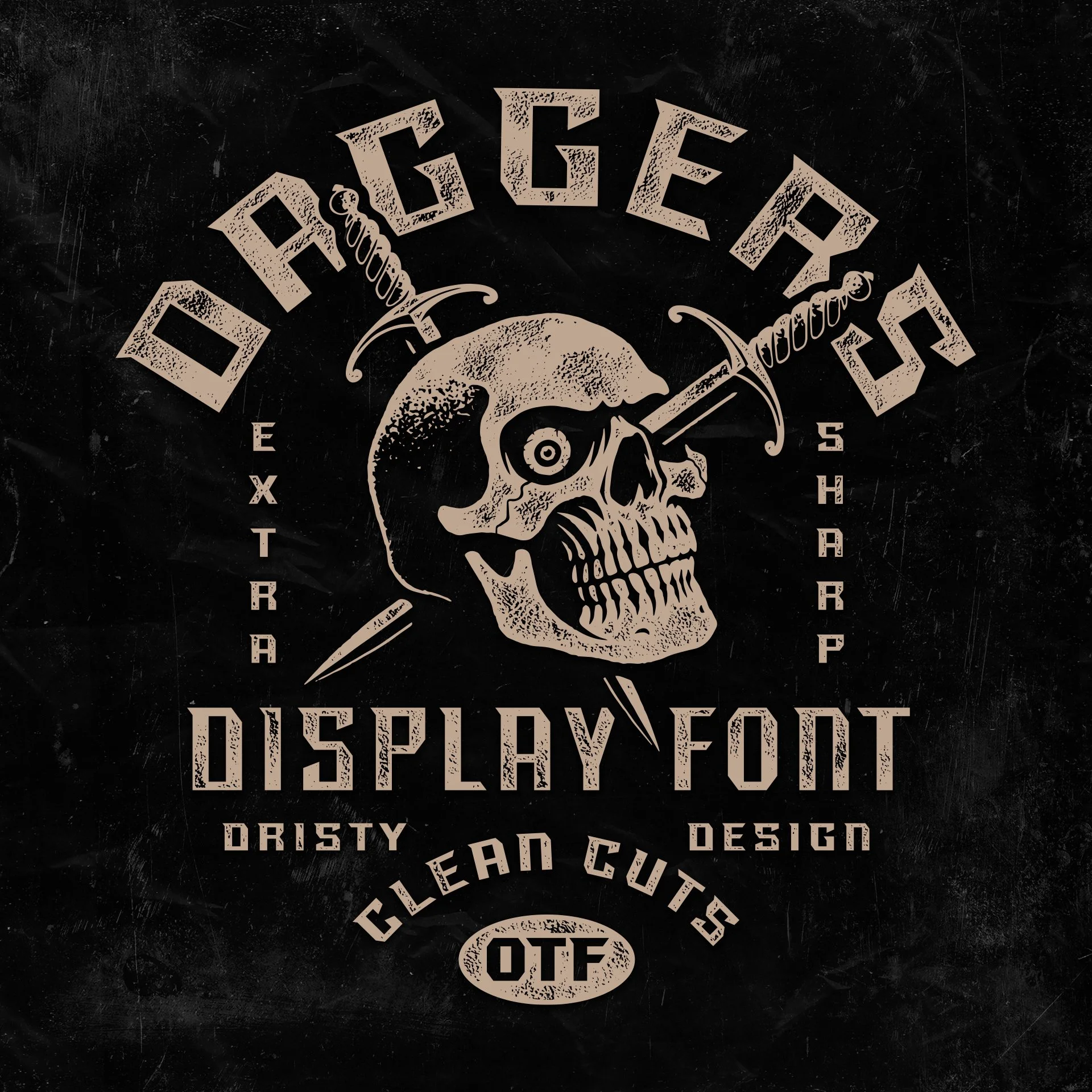
Daggers display font showing custom layout and skull graphic.
I design and sell fonts in my shop, and every time I release a new one designers ask the same questions:
How do you make a font?
What software do you use?
Is it hard?
If you have ever wondered how to design a font from scratch, what software to use, or how the process actually works, this will walk you through it step by step.
This is the exact workflow I use when creating custom fonts for real branding and apparel projects. Just the process behind how I build fonts that are meant to be used in the real world.
Need a Custom Font for your Brand?
If you are looking for something custom for a logo, apparel, or brand, this is exactly the type of work I do at Dristy Design.
I build custom type systems that are unique, production-ready, and tailored to how your brand actually shows up.
How to Design a Font From Scratch (Step-by-Step)
If you want to learn the process so you can make your own font, keep reading.
If you want to see some of the fonts I’ve designed, check out:
Browse fonts: Fonts
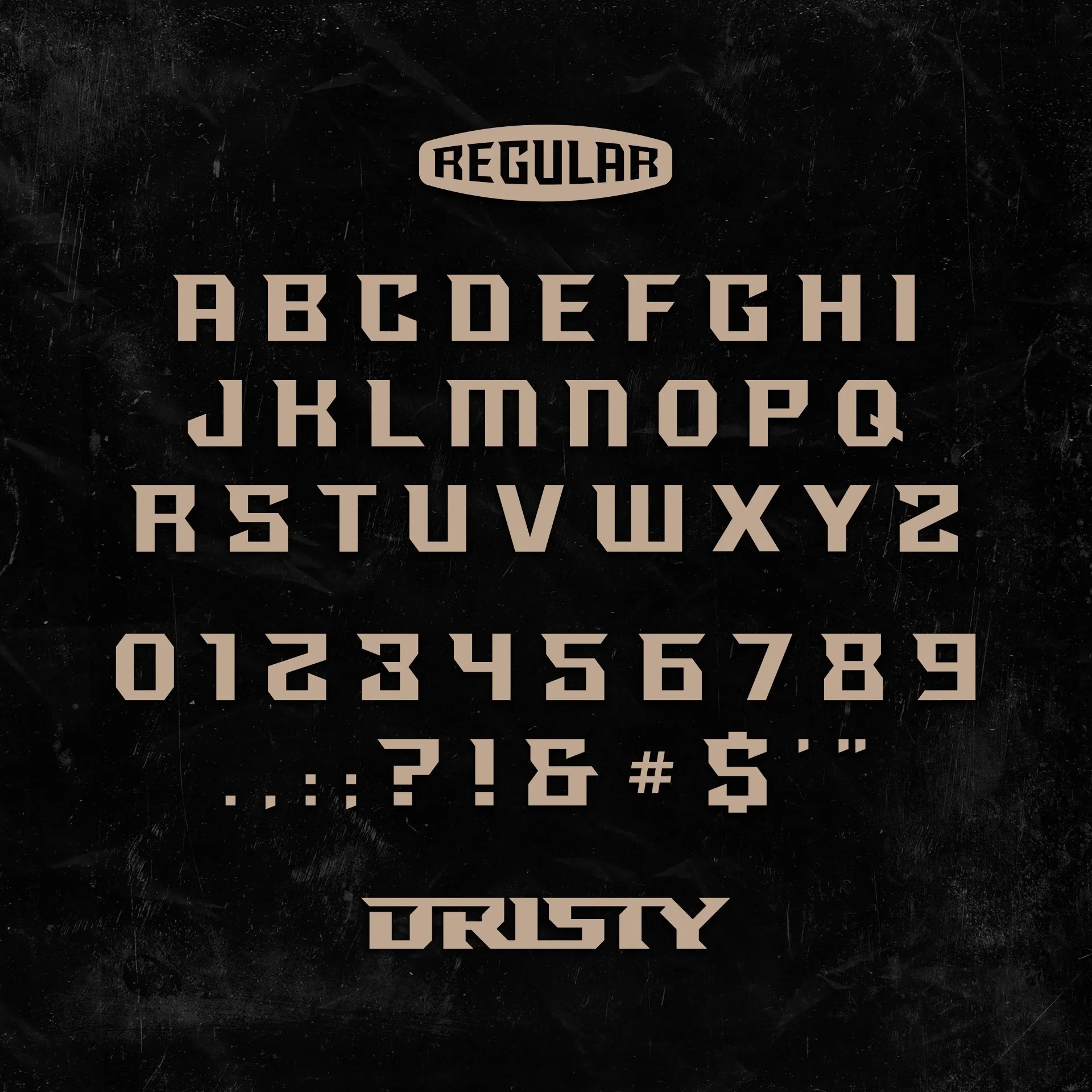
Daggers font letterset showing A–Z and numbers.
Step 1: Start With Pencil and Paper
Every font begins analog.
I always start by sketching on paper. No rules. No constraints. Just exploring shapes and styles until something feels interesting.
Why paper?
Because you can move faster. Your hand makes creative decisions before your brain overthinks it.
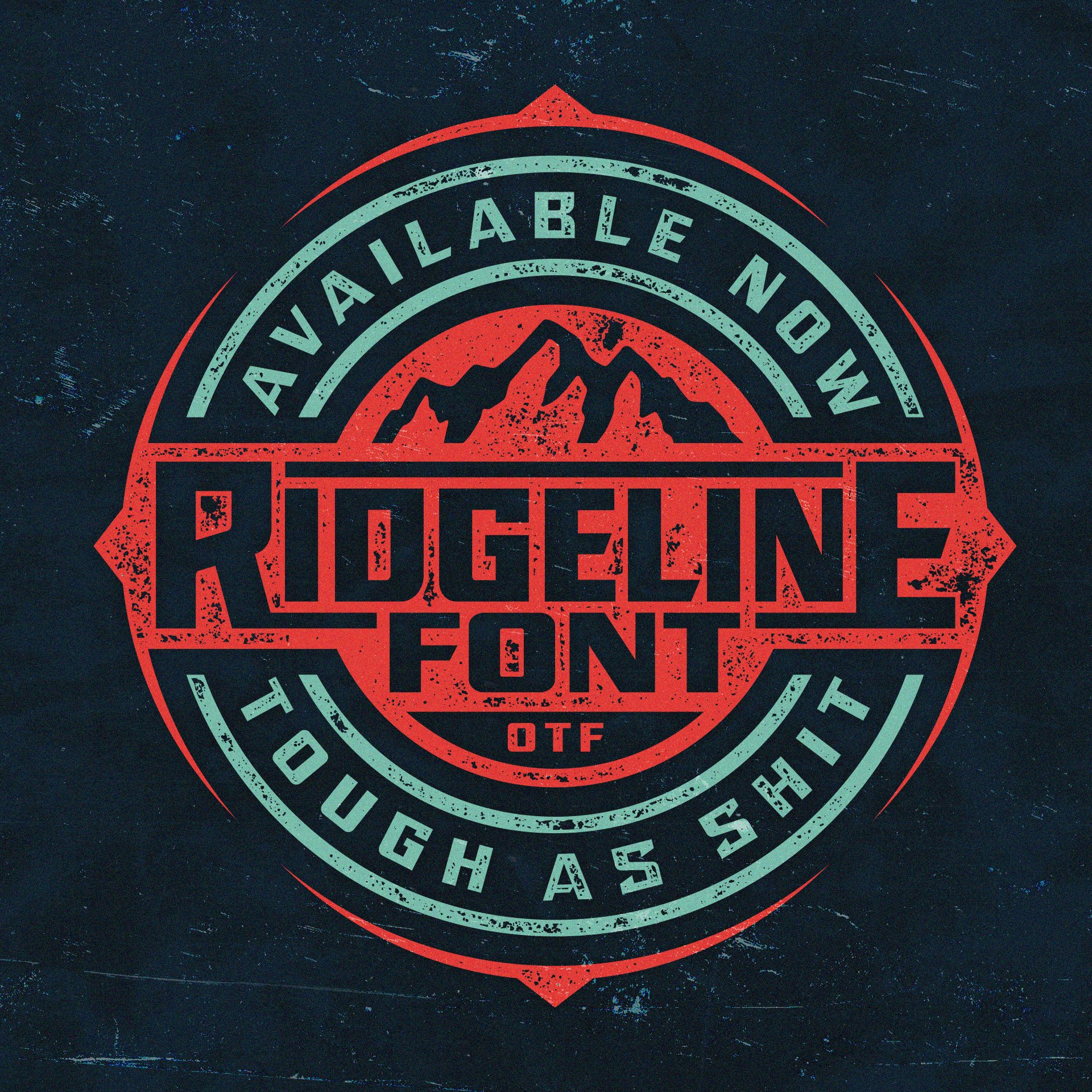
Badge design featuring my Ridgeline font.
Step 2: Move Into Illustrator
Once I have an idea I like, I photograph or scan the sketch and bring it into Adobe Illustrator.
This is where refinement happens. I start tuning:
Thickness
Angles
Curves
Character balance
Here is a quick video showing my process from sketch to vector:
Watch the video: Video
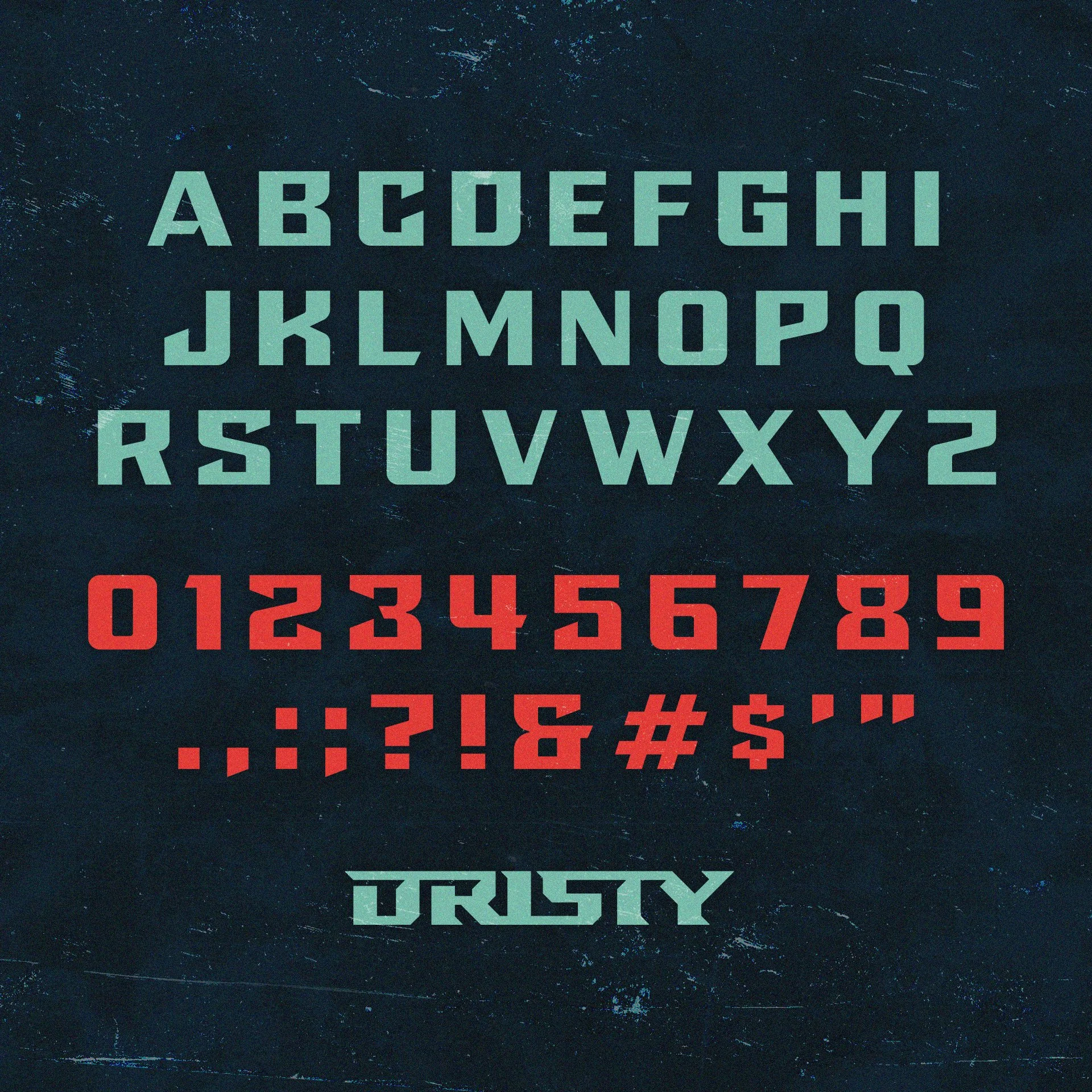
Ridgeline font character preview.
Step 3: Rough Vector Concept → Clean Vector Letterforms
My workflow:
Create rough vector shapes of letters.
Use guides for baseline, cap height, and x height.
Refine curves and corners until each letter feels consistent.
Beginner mistake: Not using guides.
Guides are what make a font feel professional and uniform.
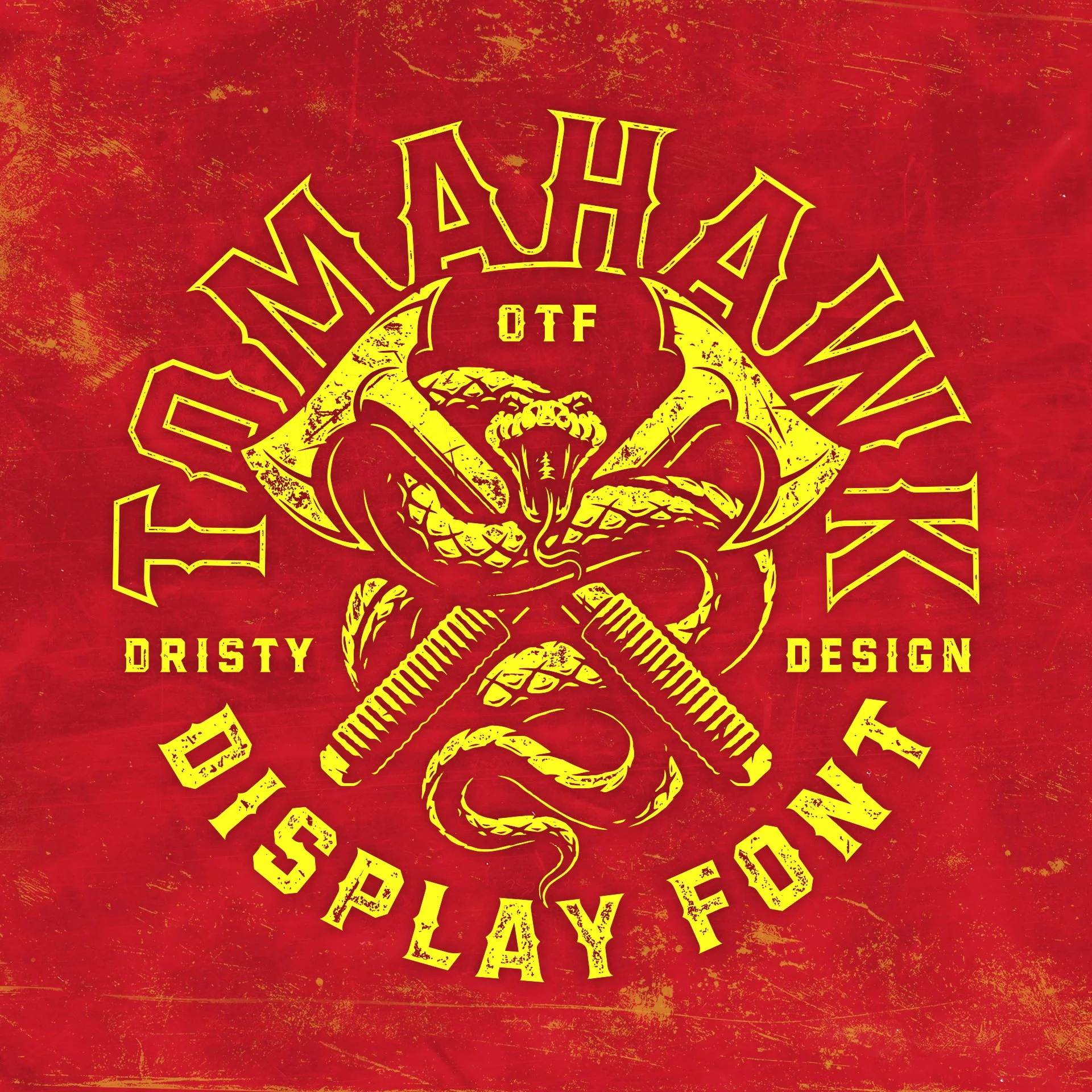
Tomahawk font along with tomahawks and snake illustration.
Step 4: Build the Font File
Once the vectors are ready, I import them into a font-building plugin.
My setup:
Sketch with pencil + paper (or sometimes Procreate on iPad)
Adobe Illustrator for vector cleanup
Fontself, an illustrator plugin to assemble the font, adjust kerning, and export
Fontself converts your vector letters into a real font file:
.OTF — ready to install and type with.
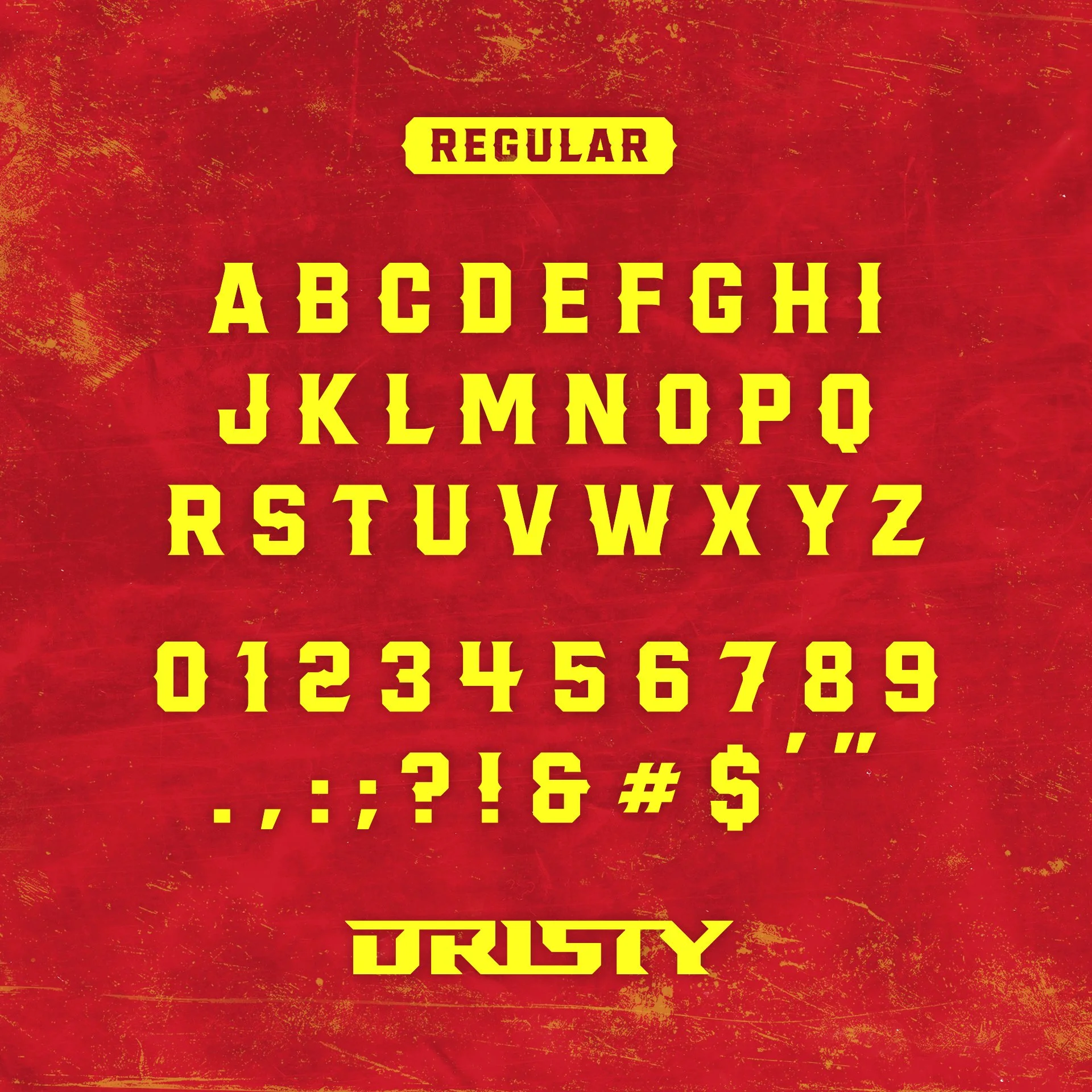
Tomahawk custom font alphabet.
Common Mistakes When Designing Your First Font
Skipping guides in Illustrator
Inconsistent thickness between letters
Not kerning the font. Font self has a “Smart Kern” feature that saves tons of time.
How Long Does It Take?
For me, fonts are passion projects. I work on them in my free time.
The most time-consuming part:
Dialing in every letter to feel consistent, including numbers and special characters.
Where Do Font Ideas Come From?
Anywhere.
A sign on a building
Video game or movie
Typography out in the wild
Or I get inspired by the hobbies I’m into at the moment
My fonts tend to feel bold, rugged, and outdoors inspired because that is some of the stuff I love: bold designs, edgy letterforms, being in the great outdoors, etc.
adding texture to designs in Illustrator.
Take a look at some fonts I’ve made and the different styles between them. Maybe they can spark and idea for you.
Browse fonts: https://www.dristydesign.com/shop/all
If you’re building a brand and need a custom font or wordmark designed specifically for apparel, packaging, or logos, this is the type of work we do every day.
Quick Answers:
What software do I need to make a font?
Adobe Illustrator and the Fontself plugin are the easiest setup I’ve found. Illustrator lets you design and refine vector letterforms, while Fontself converts those letters into a usable font file you can install and type with.
Is it hard to make a font?
The process itself isn’t complicated, but designing a font that feels balanced and professional takes time. The biggest challenge is keeping every letter consistent in weight, spacing, and style.
Where do I start?
Start on paper. Sketching letters by hand lets you explore shapes quickly before moving into Illustrator to refine the design and build the full alphabet.
Can I sell my own fonts?
Yes. Many designers create fonts as digital products and sell them through their own websites or marketplaces. Fonts can become a valuable long-term revenue stream.
Who makes custom fonts for companies?
Some brands hire designers to create custom fonts specifically for their identity. In many cases, a font starts as custom lettering for a logo or apparel graphic and later evolves into a full typeface.
How long does it take to design a font?
It depends on the complexity. A simple display font might take a few days of focused work, while more detailed fonts with numbers, punctuation, and alternates can take much longer.
Can beginners design their own font?
Yes. Many designers start by creating simple display fonts for logos or apparel graphics. With tools like Illustrator and Fontself, the process is much more accessible than it used to be.
Click below to learn more about getting started on custom logo design, badge artwork, and apparel graphics that speak to your audience.